
The Ultimate Guide to Mounting Your TV Like a Pro


Choosing the Right Mount
Mounting your TV like a pro starts with selecting the right mount. The type of mount you need depends on the size and weight of your TV, as well as your viewing preferences. There are three main types of mounts: fixed, tilting, and full-motion. A fixed mount is ideal for a straightforward setup where the TV stays in one position. For more flexibility, a tilting mount allows vertical movement, which is excellent for reducing glare. If you want the most versatility, a full-motion mount lets you swivel the TV in multiple directions.
Consider the VESA pattern on the back of your TV, which is the standardized spacing of the mounting holes. This will ensure compatibility with the mount. Always check the mount's weight capacity to ensure it can safely hold your TV.
Gathering the Necessary Tools
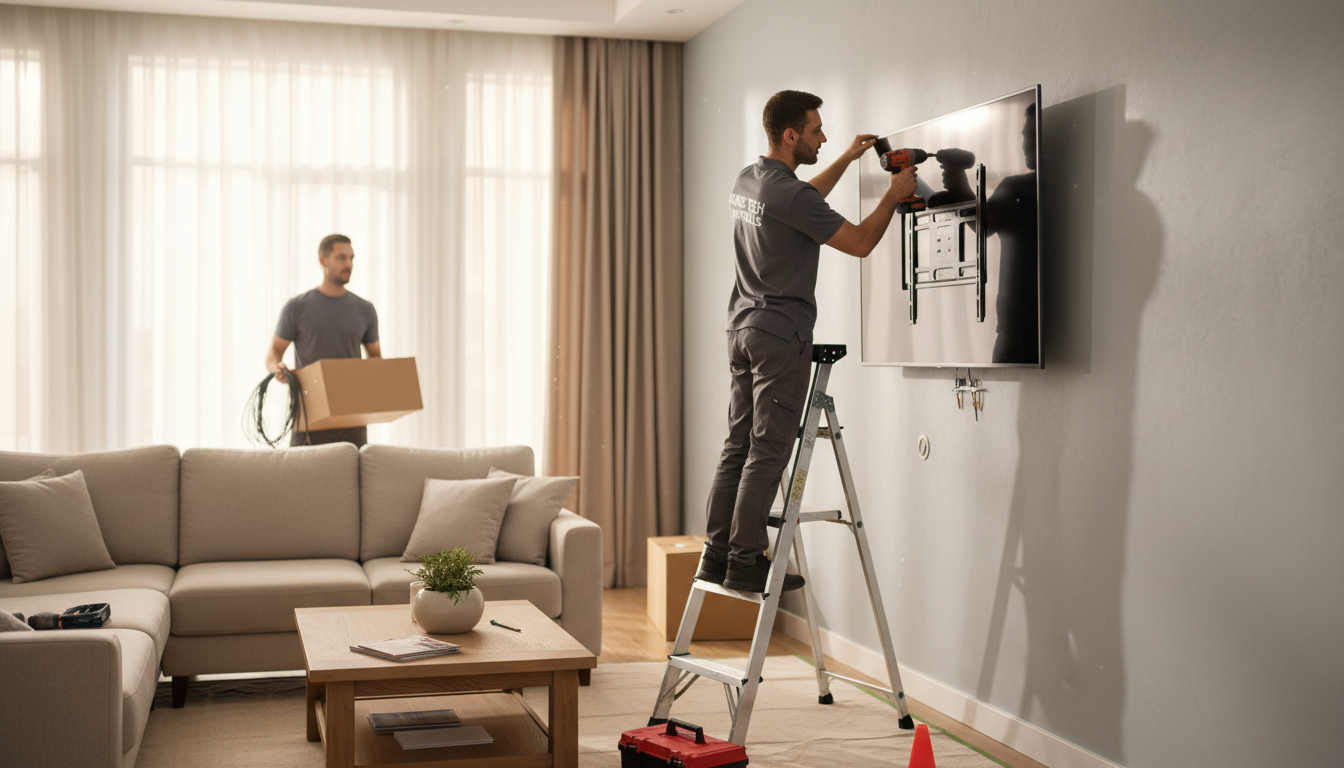
Before you start, gather all the tools you'll need for a smooth installation. These typically include a drill, level, stud finder, screwdriver, measuring tape, and pencil. Having everything at hand will save you time and hassle during the process. Make sure you have the appropriate drill bits for your wall type, whether it's drywall, concrete, or brick.
Additionally, it's a good idea to have a friend to assist you. Handling a TV, especially larger models, can be cumbersome and having an extra pair of hands can make the process safer and more efficient.
Locating the Studs
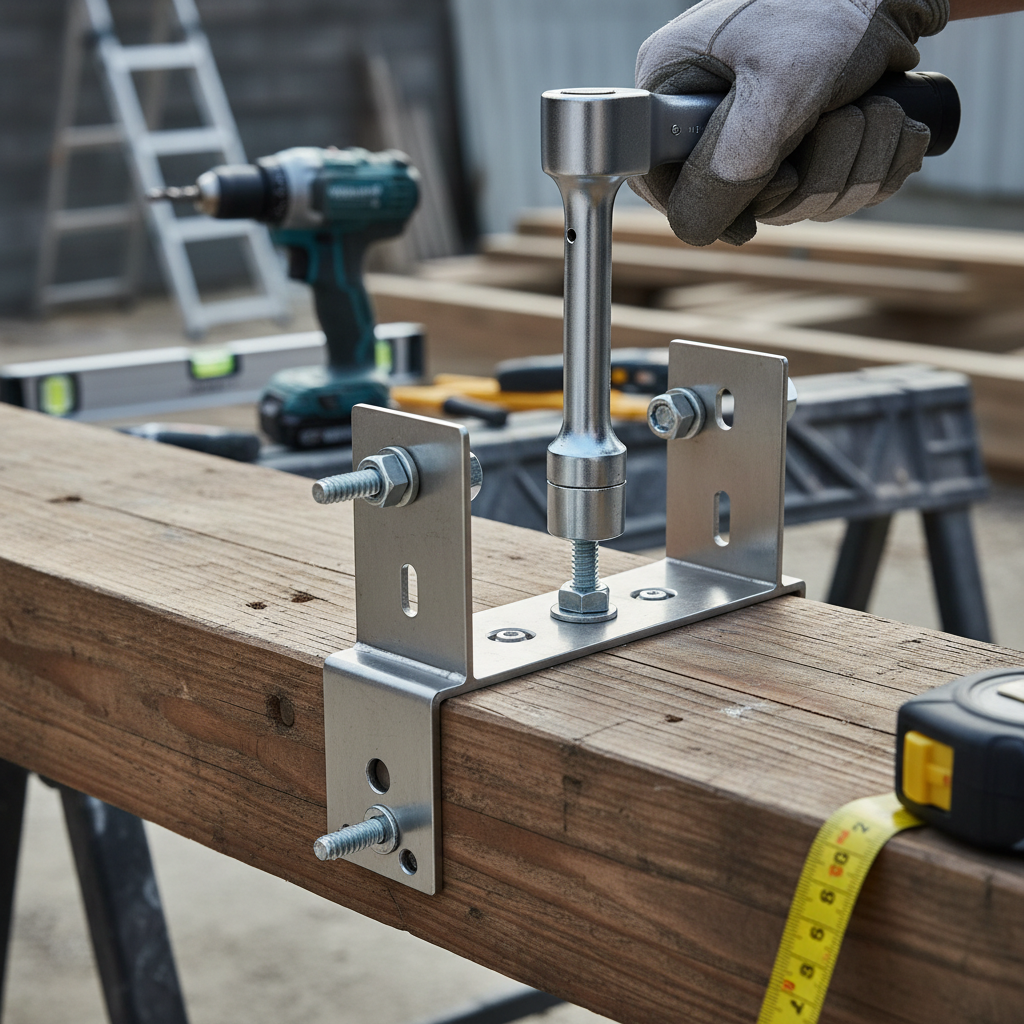
Finding the studs in your wall is crucial for securely mounting your TV. Use a stud finder to locate the studs and mark them with a pencil. Mounting your TV directly into the studs provides the strength needed to support the weight. If the studs are not in the ideal location, consider using a mounting plate that spans multiple studs for better support.
If you're mounting on a brick or concrete wall, you won't need to find studs, but you'll need specific anchors to ensure a secure installation. These anchors can usually be found at any hardware store.

Mounting the Bracket
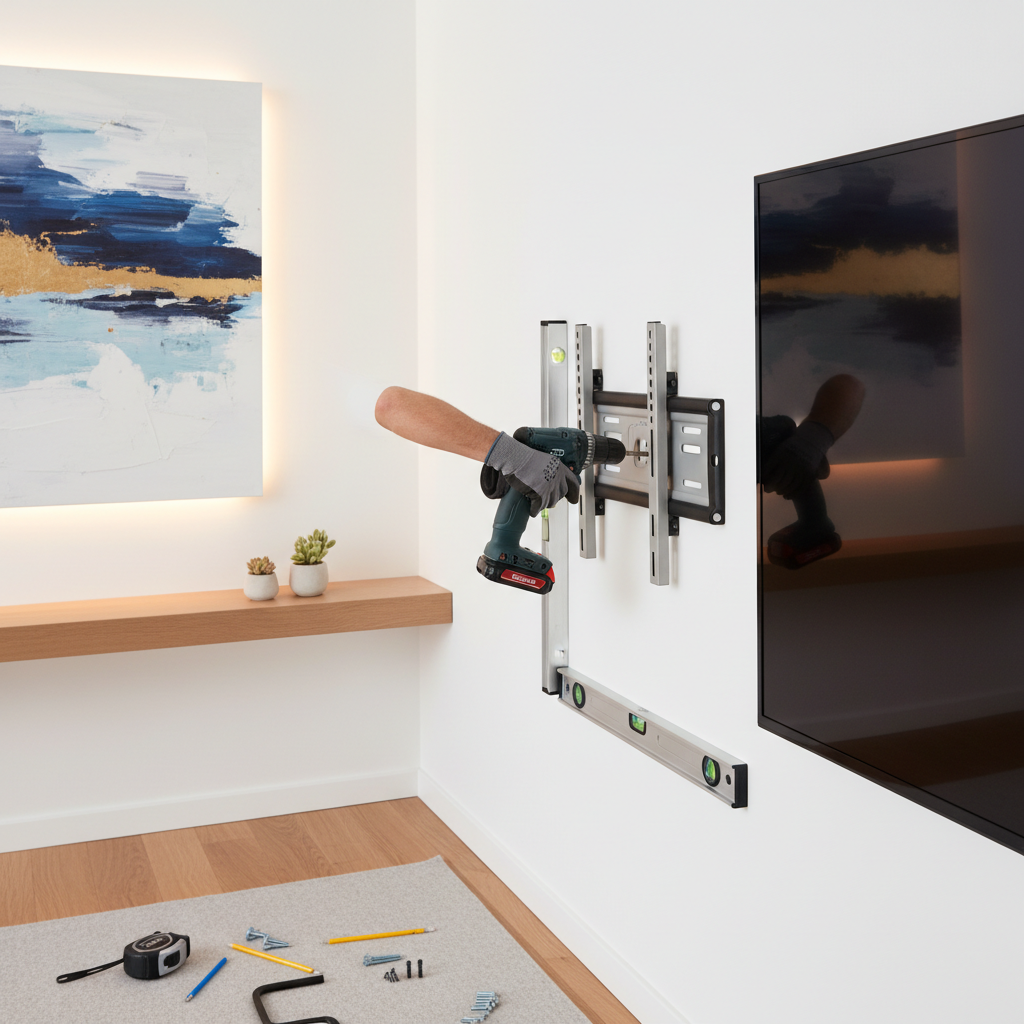
Once you've located the studs, it's time to mount the bracket. Hold the bracket against the wall and use a level to ensure it's straight. Mark the holes with a pencil, then drill pilot holes to make the installation easier. Secure the bracket to the wall using the screws provided with your mount.
Double-check that the bracket is firmly attached and level. A crooked mount can lead to an uneven TV display, which can be distracting and unsightly.
Attaching the Mounting Plate to the TV
With the bracket secure, you'll need to attach the mounting plate to the back of your TV. Align the plate with the VESA holes on your TV and use the screws that came with your mount to secure it. It's essential to tighten the screws properly to prevent any wobbling or instability.
Ensure that the plate is centered on the TV for balanced weight distribution. This will also make the final mounting process easier and more precise.
Hanging the TV
Now comes the exciting part—hanging your TV. Carefully lift the TV and align the mounting plate with the bracket on the wall. This step is where having a friend can be particularly helpful. Once aligned, slide or lock the TV into place according to your mount's instructions.
Ensure the TV is securely attached and doesn't wobble. If it feels loose, double-check the connections and tighten any necessary screws. Once it's secure, take a moment to admire your work!
Managing Cables
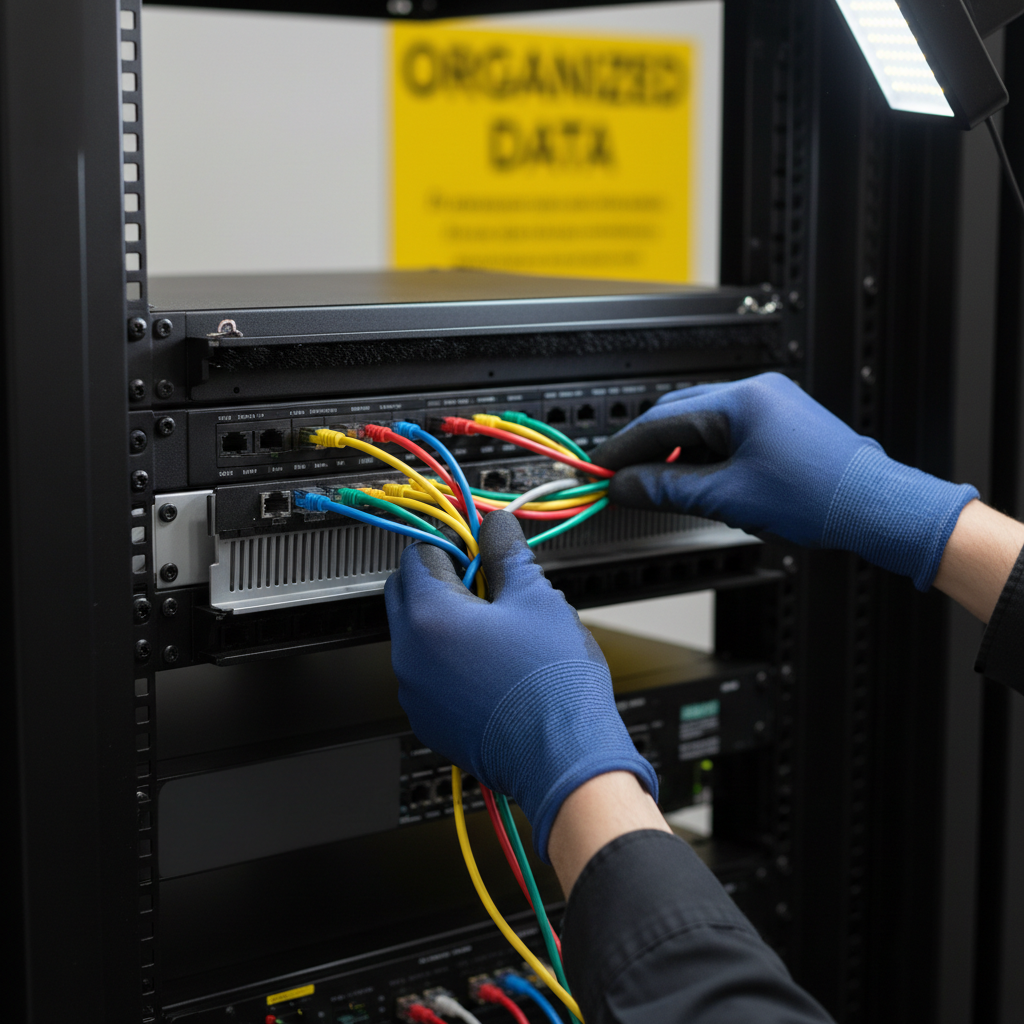
With the TV mounted, you'll want to keep cables tidy for a professional look. Consider using cable management solutions such as clips, sleeves, or even in-wall cable kits to hide unsightly wires. This not only improves aesthetics but also reduces the risk of tripping or accidentally pulling the cables out.
Organized cables can also enhance your viewing experience by eliminating distractions, allowing you to focus on your favorite shows and movies.
Final Adjustments and Testing
Once everything is in place, take some time to make final adjustments. Check that the TV is level and adjust the tilt or angle if necessary. Turn on the TV and ensure all connections work properly and that the picture quality meets your expectations.
Mounting your TV like a pro not only enhances your viewing experience but also adds a modern touch to your living space. With these steps, you're sure to enjoy a sleek and secure setup.