
Step-by-Step Guide: How to Mount a TV Like a Pro


Choosing the Right Mount
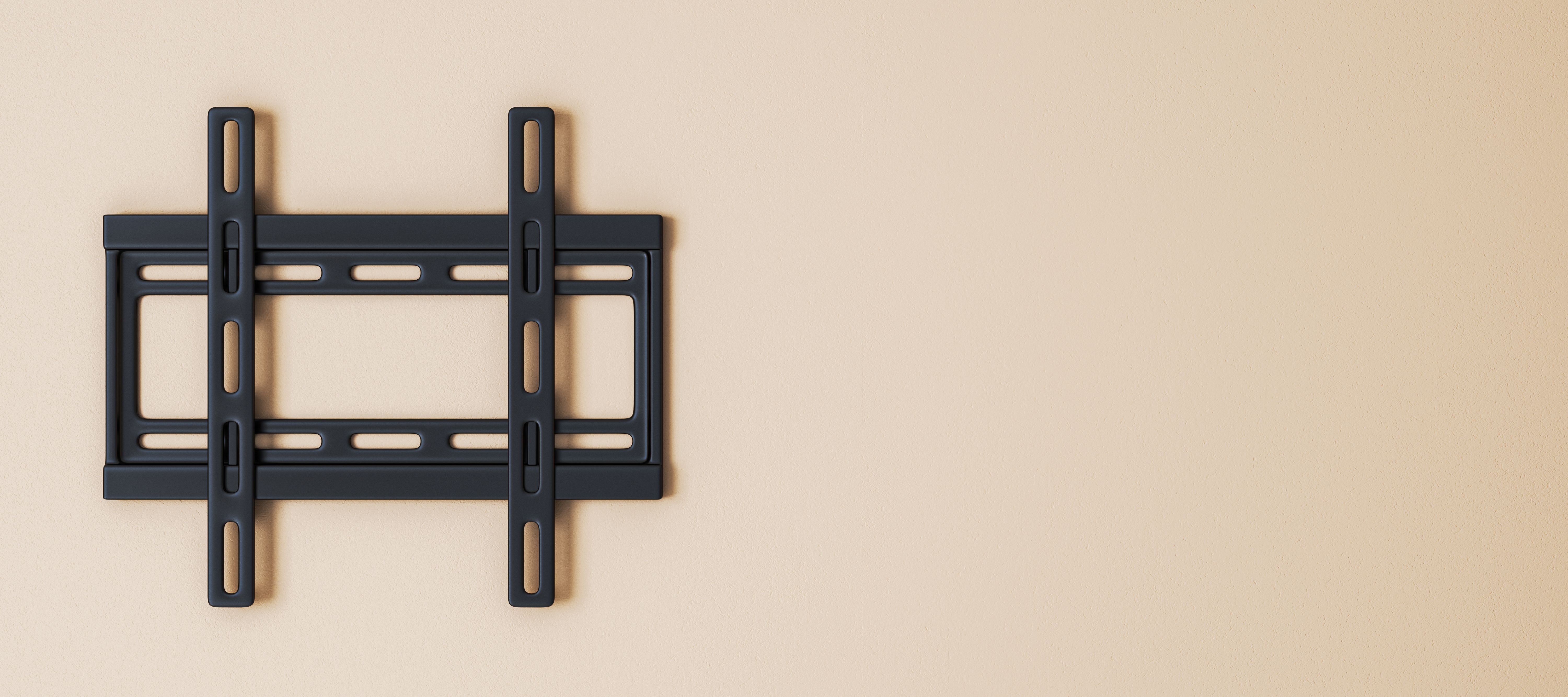
Before you start mounting your TV, it's crucial to select the right mount for your needs. Consider the size and weight of your TV, as well as the wall type where you intend to install it. There are three main types of mounts: fixed, tilting, and full-motion. Each offers different levels of flexibility and support.
Fixed mounts are ideal for a straightforward installation where the TV won't need adjusting. Tilting mounts allow for a slight vertical adjustment, which can reduce glare. Full-motion mounts provide the most flexibility, letting you adjust the TV in multiple directions. Choose wisely based on your viewing preferences and room layout.
Gathering the Necessary Tools
Once you've selected the mount, gather all necessary tools to ensure a smooth installation process. You'll typically need a drill, a screwdriver, a stud finder, a level, and a tape measure. Having these tools on hand will make the installation process efficient and accurate.
It's also a good idea to have a friend assist you, especially when lifting and securing the TV to the wall. Safety should always be your top priority, so don't hesitate to ask for help when needed.
Finding the Perfect Spot
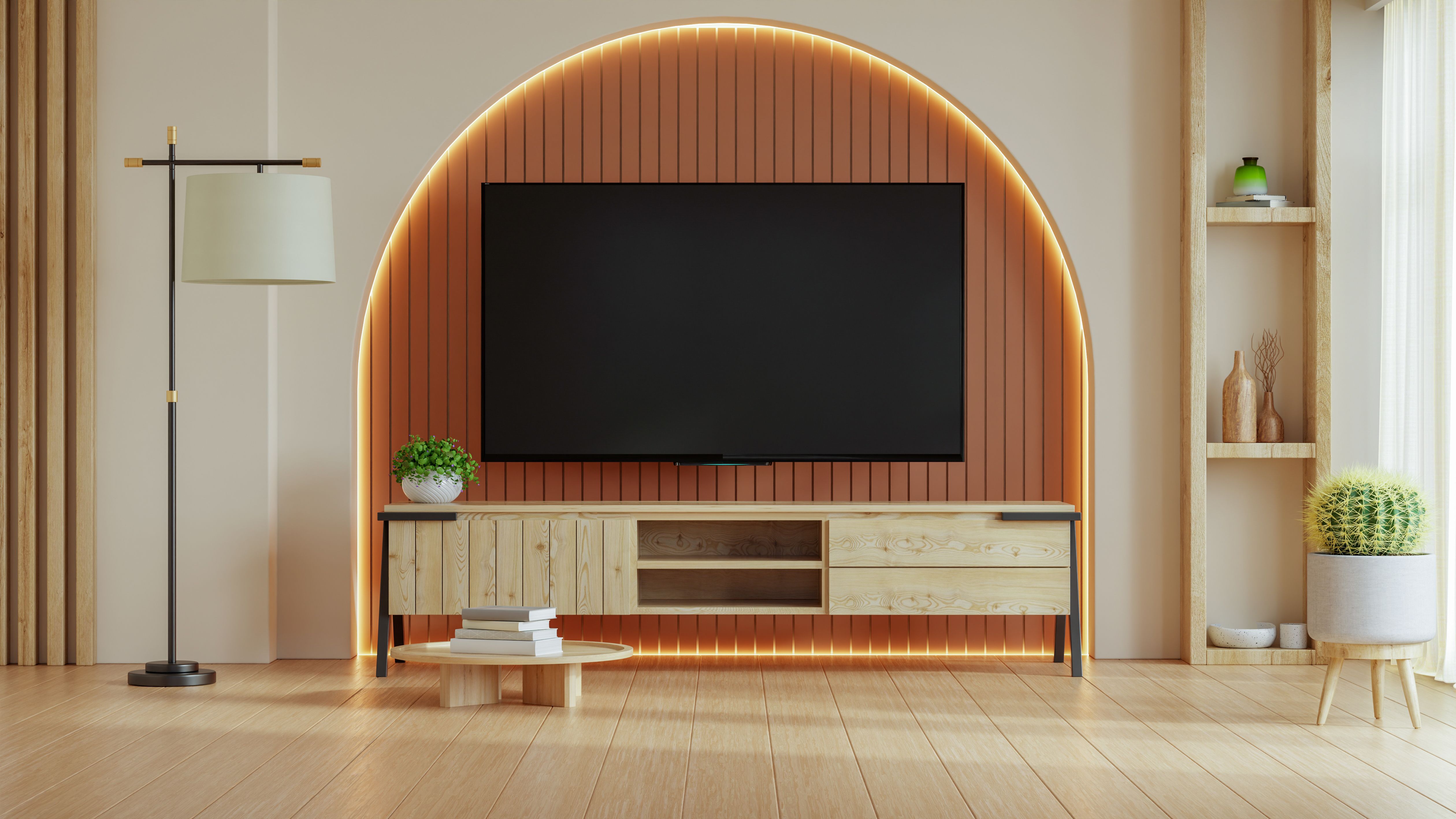
Deciding where to mount your TV can significantly impact your viewing experience. Consider factors like viewing distance, eye level, and room lighting. The center of the TV should ideally be at eye level when seated for the best viewing comfort.
Use a stud finder to locate the wall studs, as these provide the necessary support for your TV. Mark the positions with a pencil, ensuring that they align with the mounting bracket holes.
Installing the Mount
Begin by attaching the mounting bracket to the back of your TV. Make sure to use the screws provided with the mount to ensure compatibility and a secure fit. Double-check the bracket's alignment to prevent any issues later on.
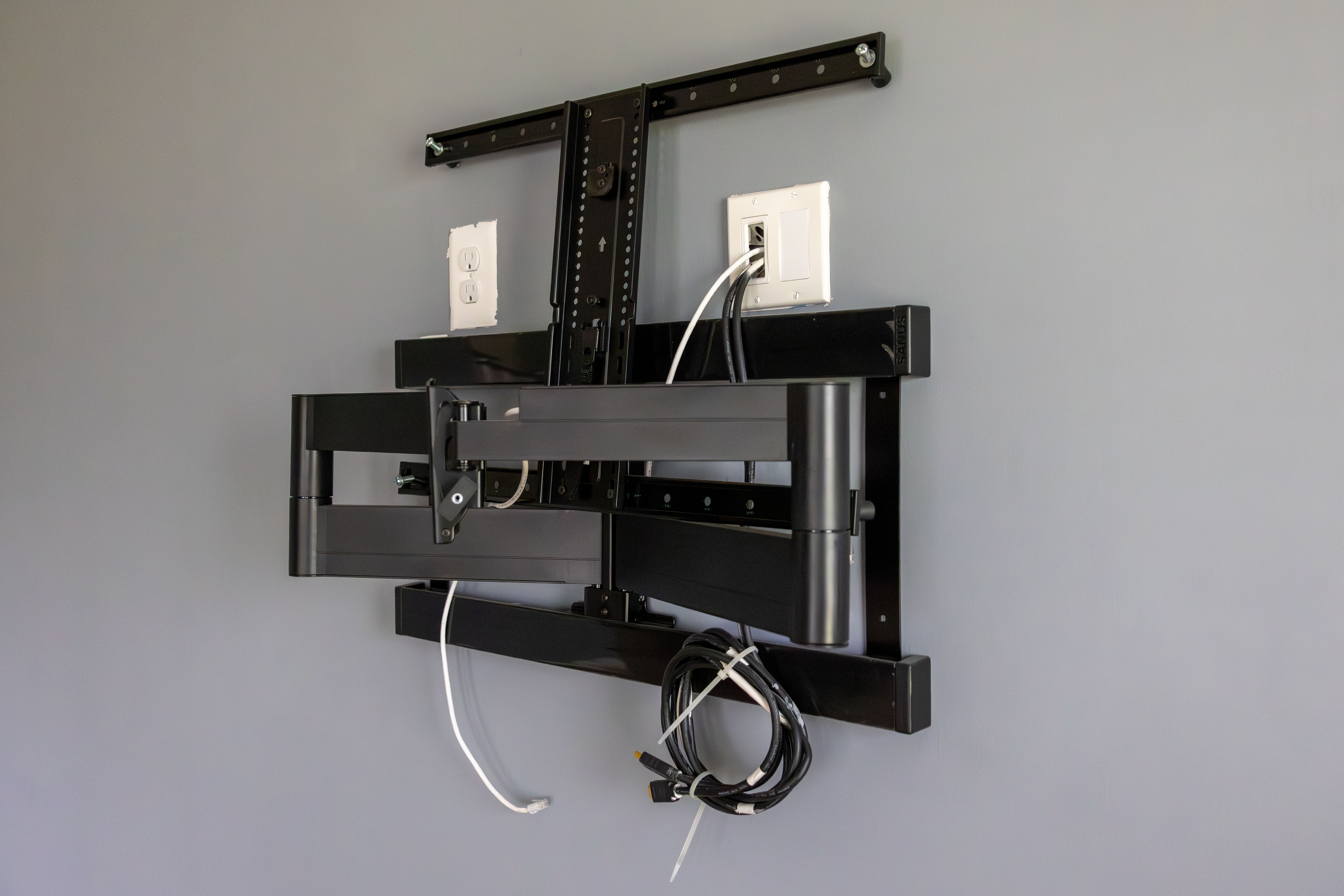
Next, secure the wall plate to the wall, aligning it with the studs marked earlier. Use a level to ensure that the plate is perfectly horizontal, then drill pilot holes and use the appropriate bolts to secure the plate firmly in place.
Mounting the TV
With the wall plate in place, you're ready to mount the TV. Carefully lift the TV and attach it to the wall plate. Most mounts will have a mechanism to secure the TV in place, so make sure it's properly engaged to prevent any accidents.
Once mounted, test the TV's stability by giving it a gentle push. It should stay securely in place without any wobbling. If you notice any instability, double-check the mount and wall plate connections.
Concealing Cables
To achieve a clean, professional look, consider concealing the cables. You can use cable covers that match your wall color or run the cables through the wall if you're comfortable with a more involved installation.
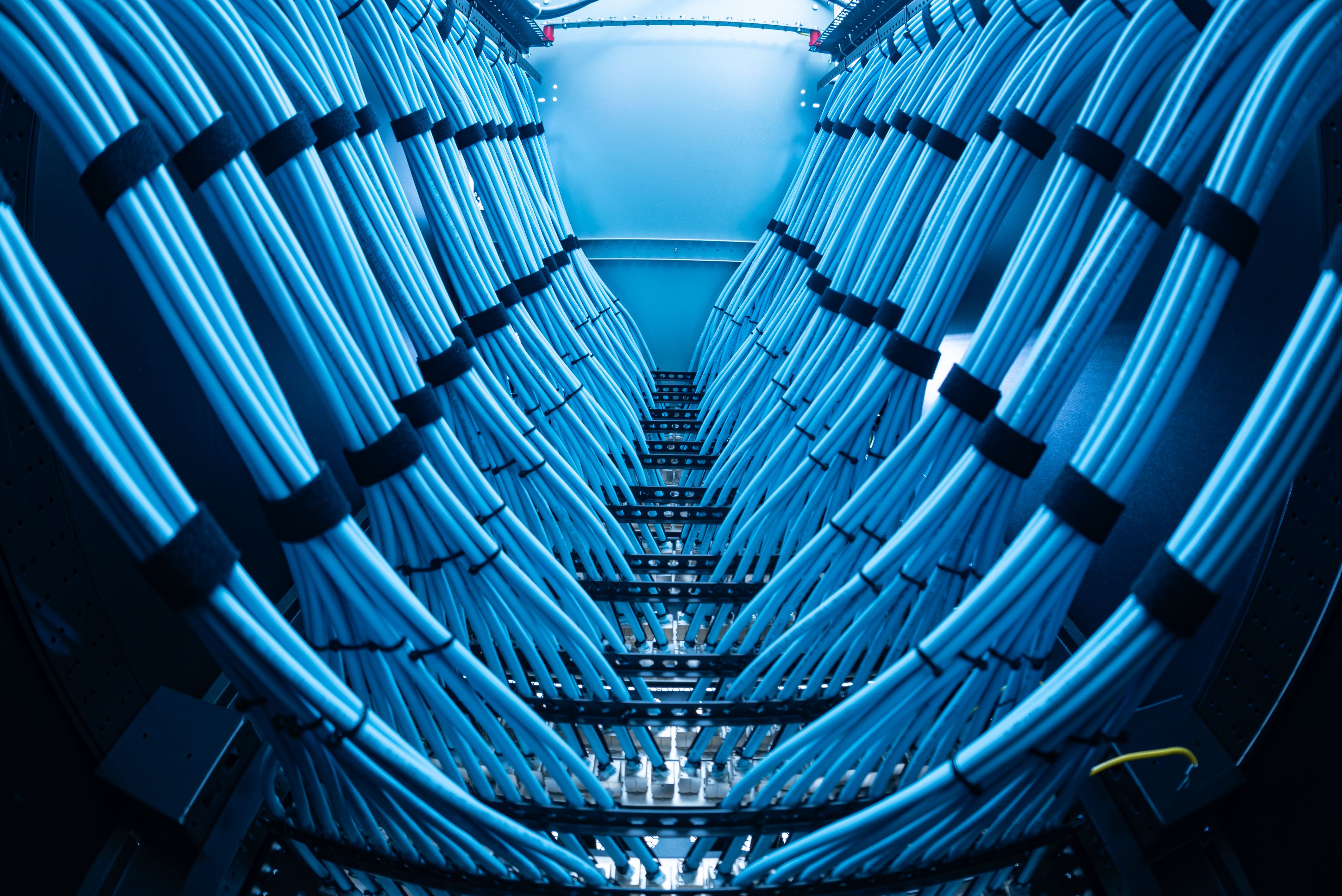
Proper cable management not only enhances the appearance but also reduces the risk of tripping hazards and keeps your setup organized.
Final Adjustments and Enjoyment
After successfully mounting your TV, take some time to make final adjustments. Ensure that the TV is level and positioned correctly for optimal viewing. Adjust the tilt or angle if your mount allows it to reduce glare and improve your viewing experience.
Once everything is set, sit back and enjoy your newly mounted TV! You've successfully completed a professional-level installation that enhances your space and viewing pleasure.