
How to Prepare Your Home for Smart Automation: A Step-by-Step Guide


Understanding Smart Home Automation
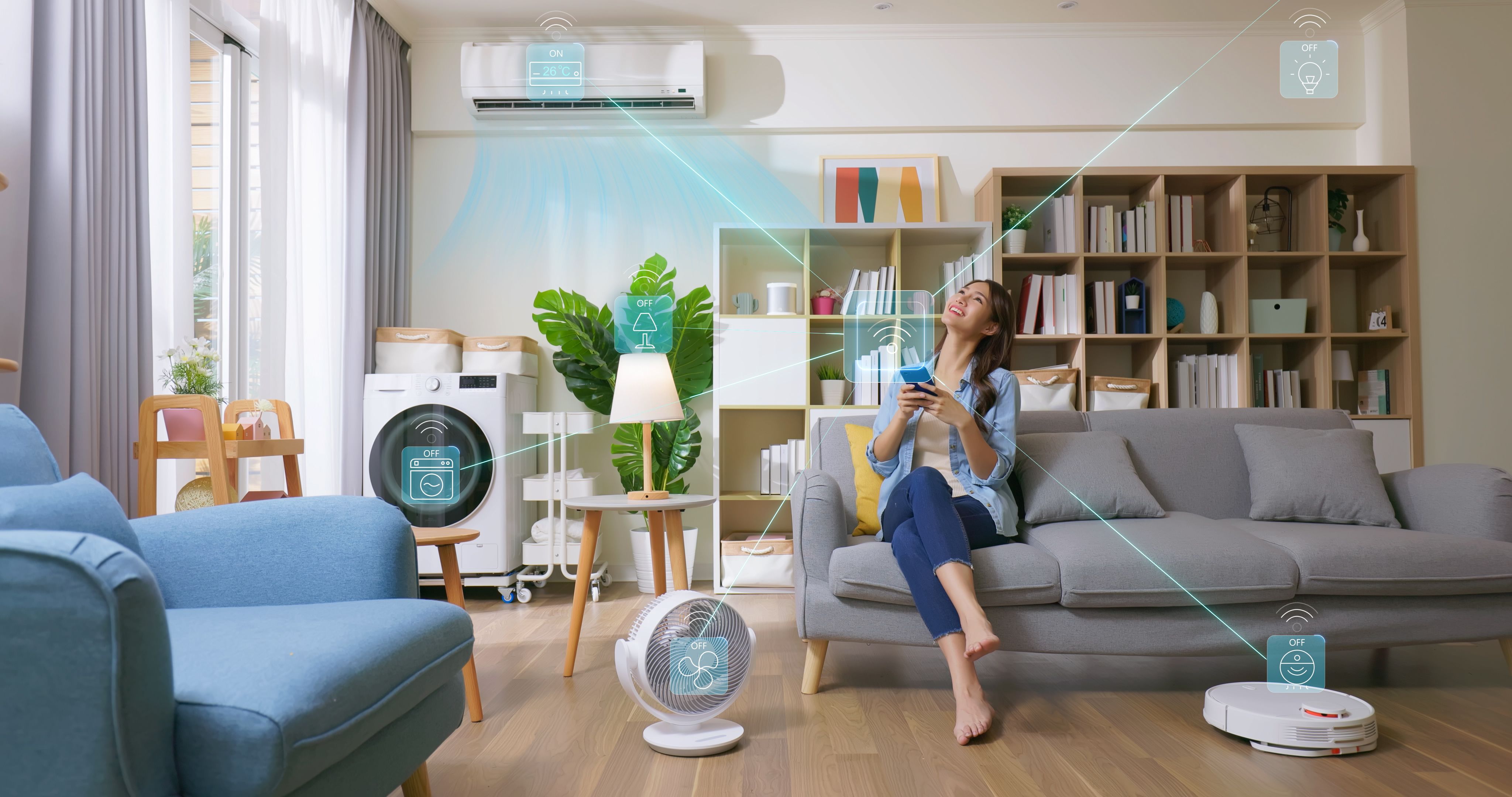
Smart home automation is revolutionizing the way we live, offering convenience, security, and energy efficiency. By integrating technology into your home, you can control lighting, heating, security systems, and more with just a touch or a voice command. However, preparing your home for smart automation requires thoughtful planning.
Assessing Your Needs
Before diving into smart devices, it's crucial to assess your needs. Consider what aspects of your home you want to automate. Are you looking for convenience, security, energy savings, or all of the above? Create a list of priorities to guide your choices.
Creating a Budget
Smart home technology can range from affordable to high-end. Establishing a budget will help narrow down your options. Remember to consider both initial costs and potential monthly fees for services like security monitoring.
Choosing the Right Devices
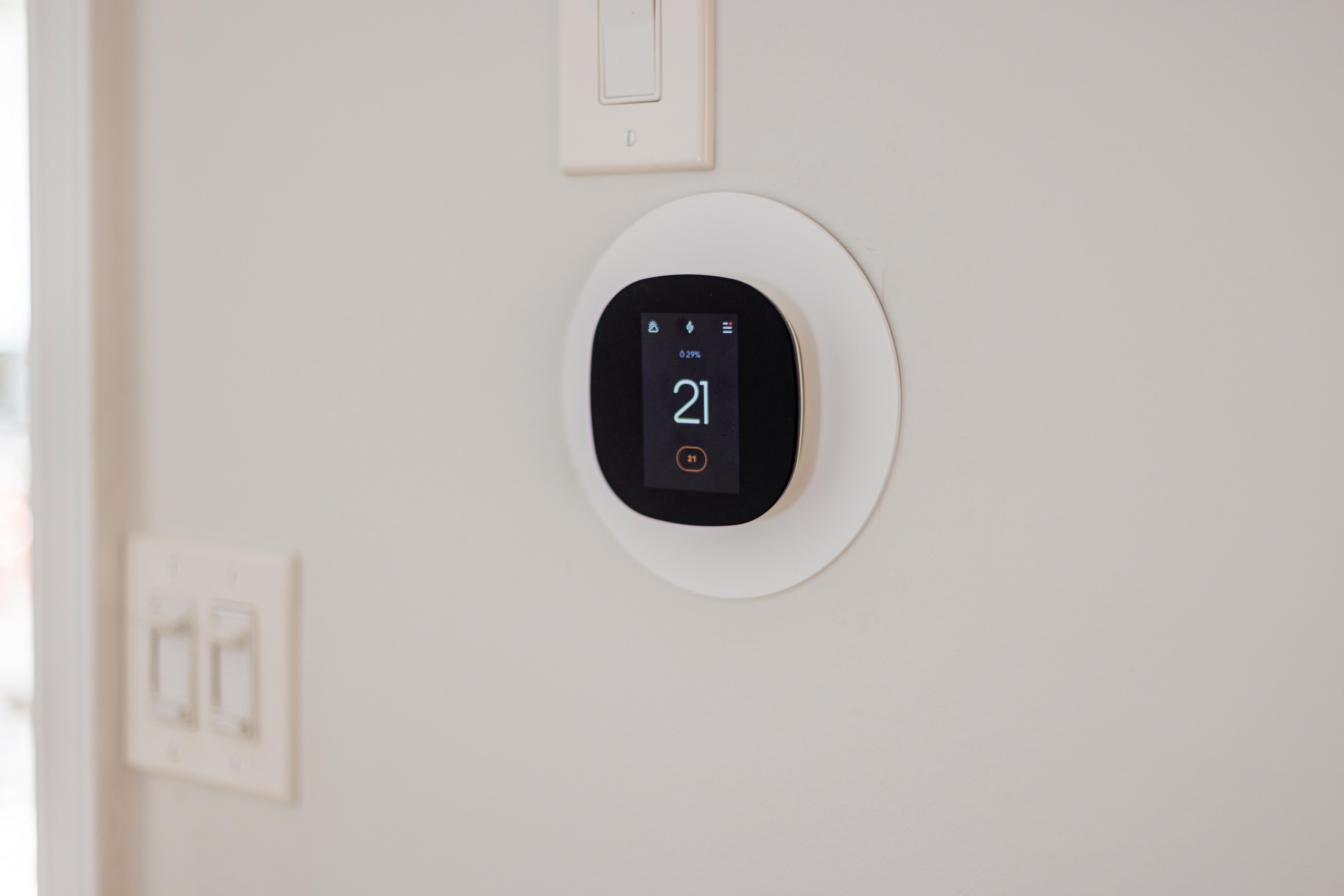
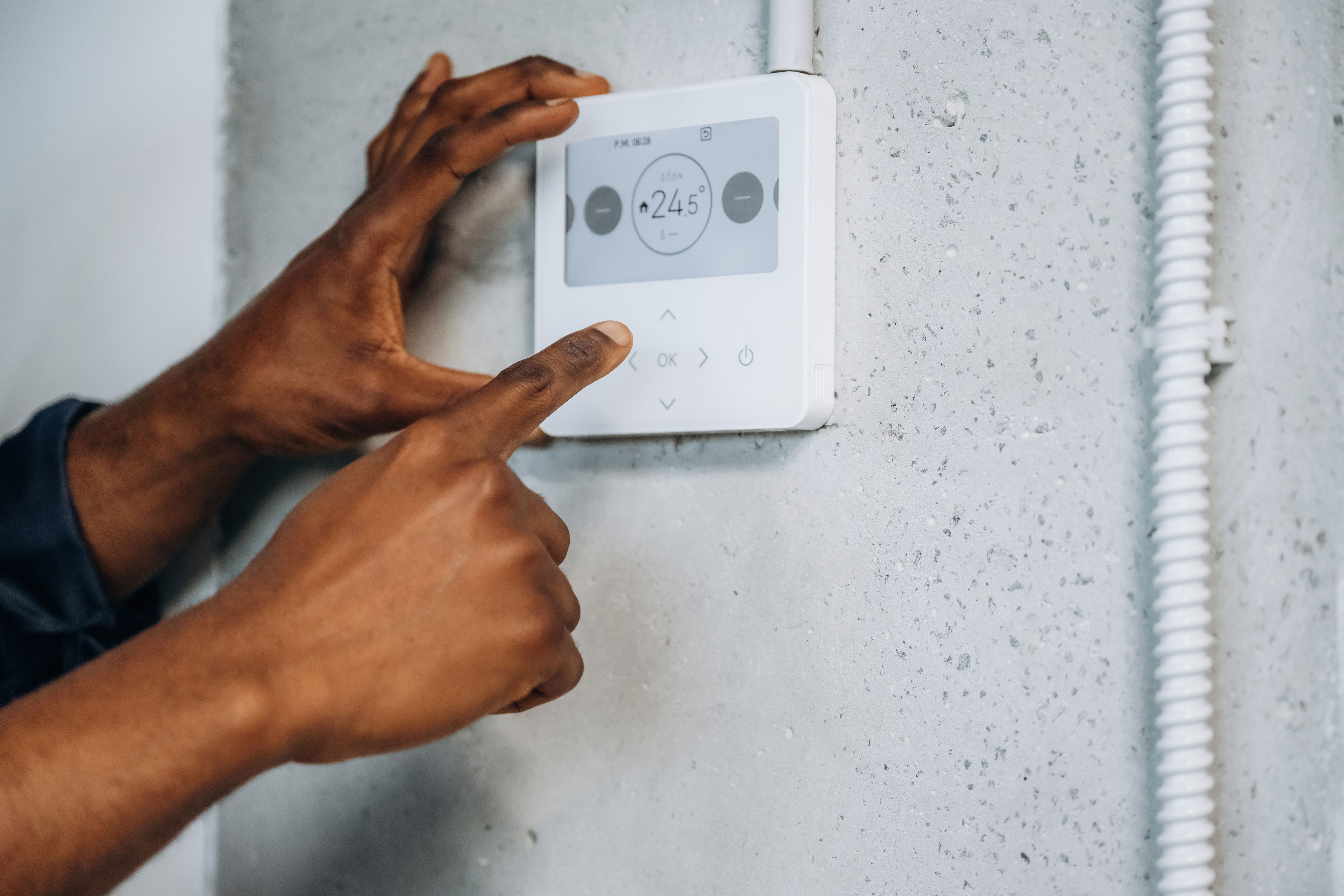
With a clear understanding of your needs and budget, you can start selecting devices. Popular categories include smart thermostats, lighting, locks, cameras, and voice assistants. Ensure compatibility with existing systems and future scalability.
Understanding Connectivity
Most smart devices require a stable internet connection. Check your Wi-Fi coverage and upgrade if necessary to handle additional devices. Consider mesh networks for larger homes to ensure seamless connectivity.
Preparing Your Home for Installation
Once you've chosen your devices, it's time to prepare your home for installation. This might involve some basic upgrades like additional power outlets or improved Wi-Fi coverage. Consider hiring a professional for complex installations like smart security systems.
Ensuring Security
Security should be a priority when setting up a smart home. Change default passwords, enable two-factor authentication, and regularly update your devices to protect against vulnerabilities.
Integrating and Testing
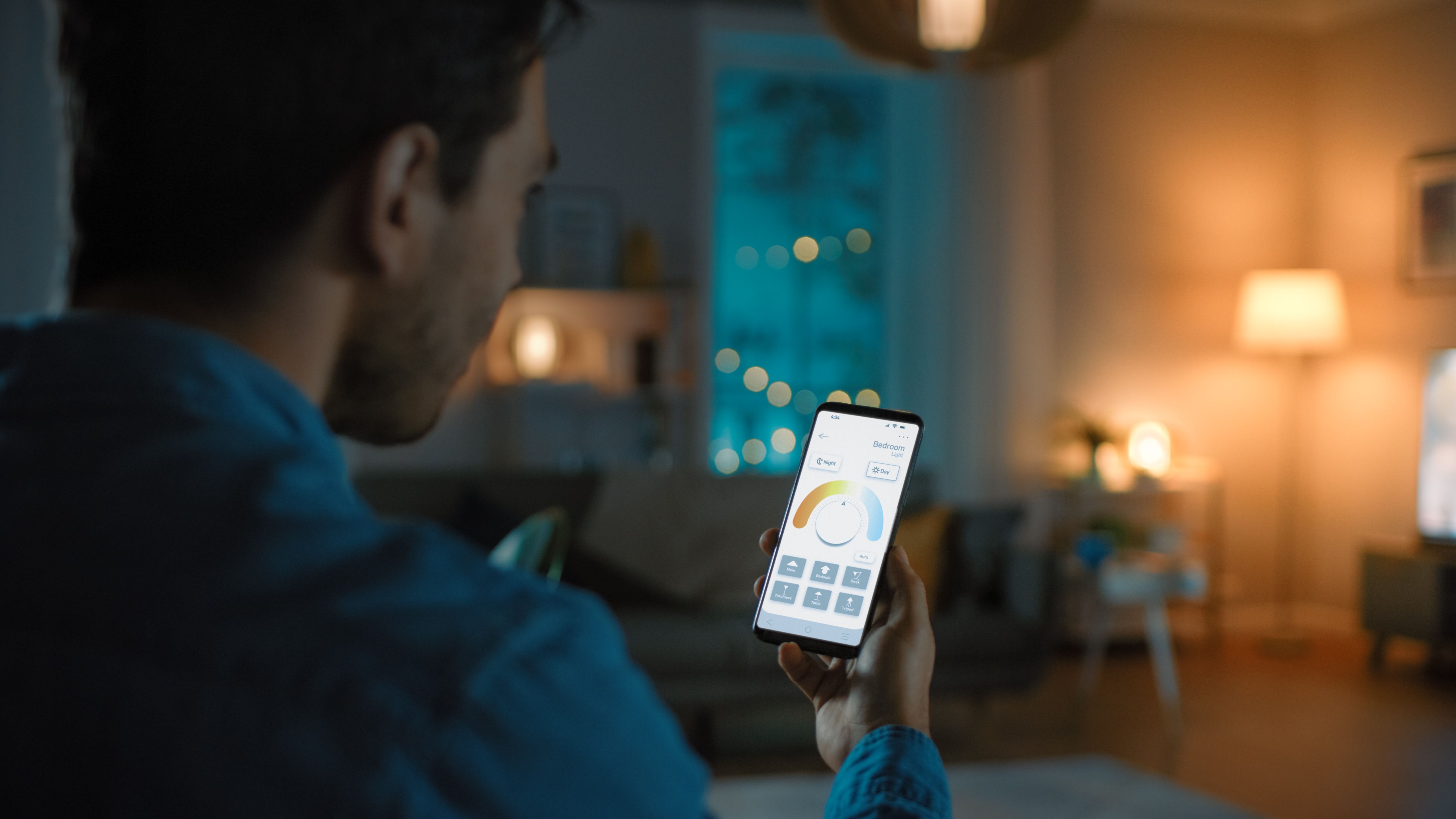
After installation, integrate your devices through a central hub or app. Test each device to ensure it functions correctly and meets your expectations. Troubleshooting might be necessary to address connectivity or compatibility issues.
Optimizing and Expanding
Once your smart home is up and running, look for ways to optimize. Set up routines that automate daily tasks and consider expanding your system with new devices as needed. Regularly review your setup to ensure it continues to meet your evolving needs.
By following these steps, you can smoothly transition your home into a smart, automated haven. Embrace the convenience and efficiency that smart home technology offers, and enjoy a more connected lifestyle.