
How to Prepare Your Home for a Smart Event Setup


Understanding Your Smart Event Needs
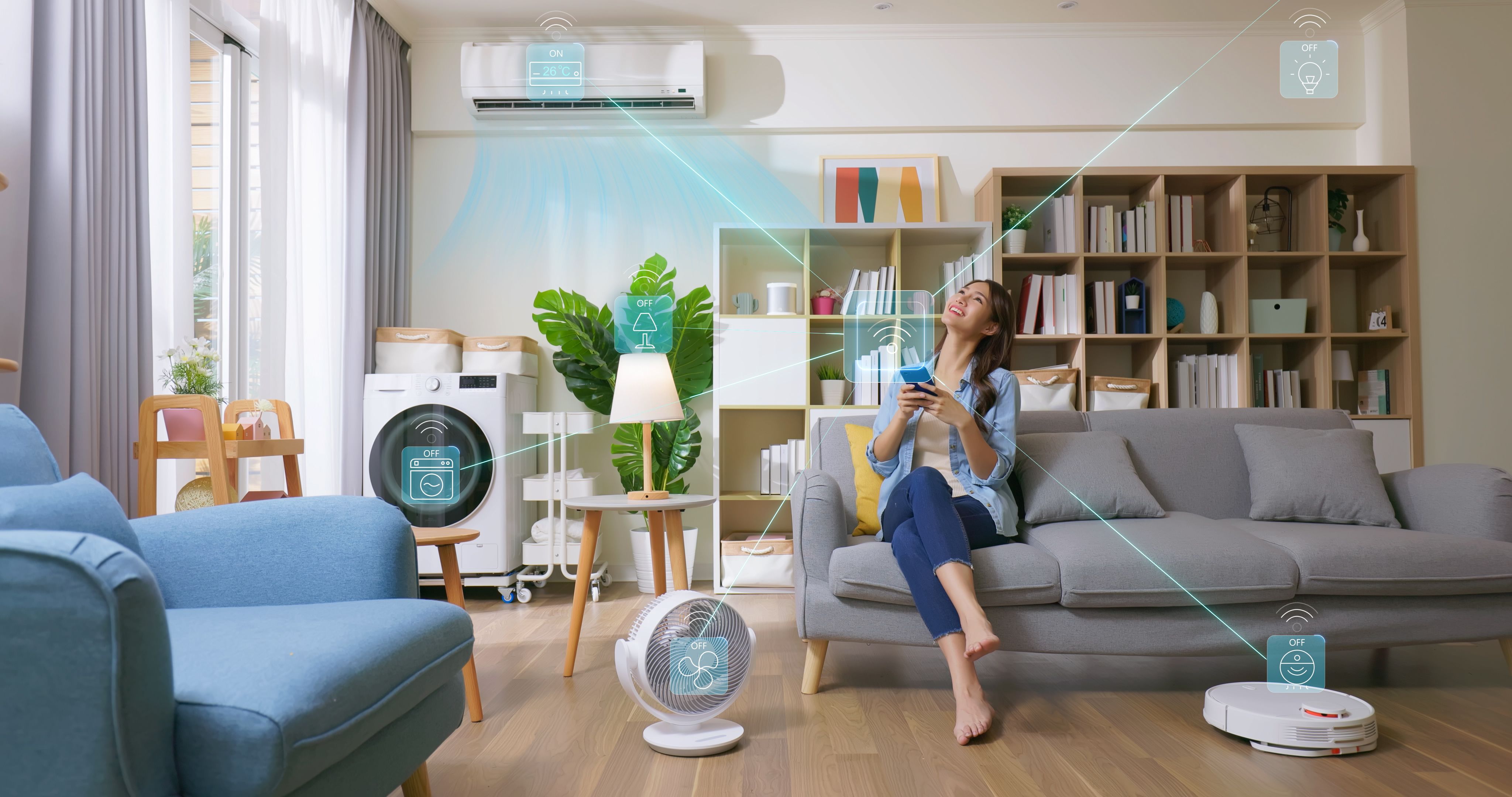
As you plan to host a smart event at home, it’s crucial to understand the technology you'll be using. Smart events often incorporate devices like smart speakers, lighting systems, and streaming equipment. Knowing your requirements will help you choose the right gadgets and set up your space efficiently. Begin by listing the devices you plan to use and how they will enhance your event.
Consider the type of event you're hosting. Is it a casual gathering or a more formal presentation? Your needs will vary depending on the atmosphere you're trying to create. Tailoring your smart setup to suit the event type will ensure a seamless experience for your guests.
Optimizing Your Home Network
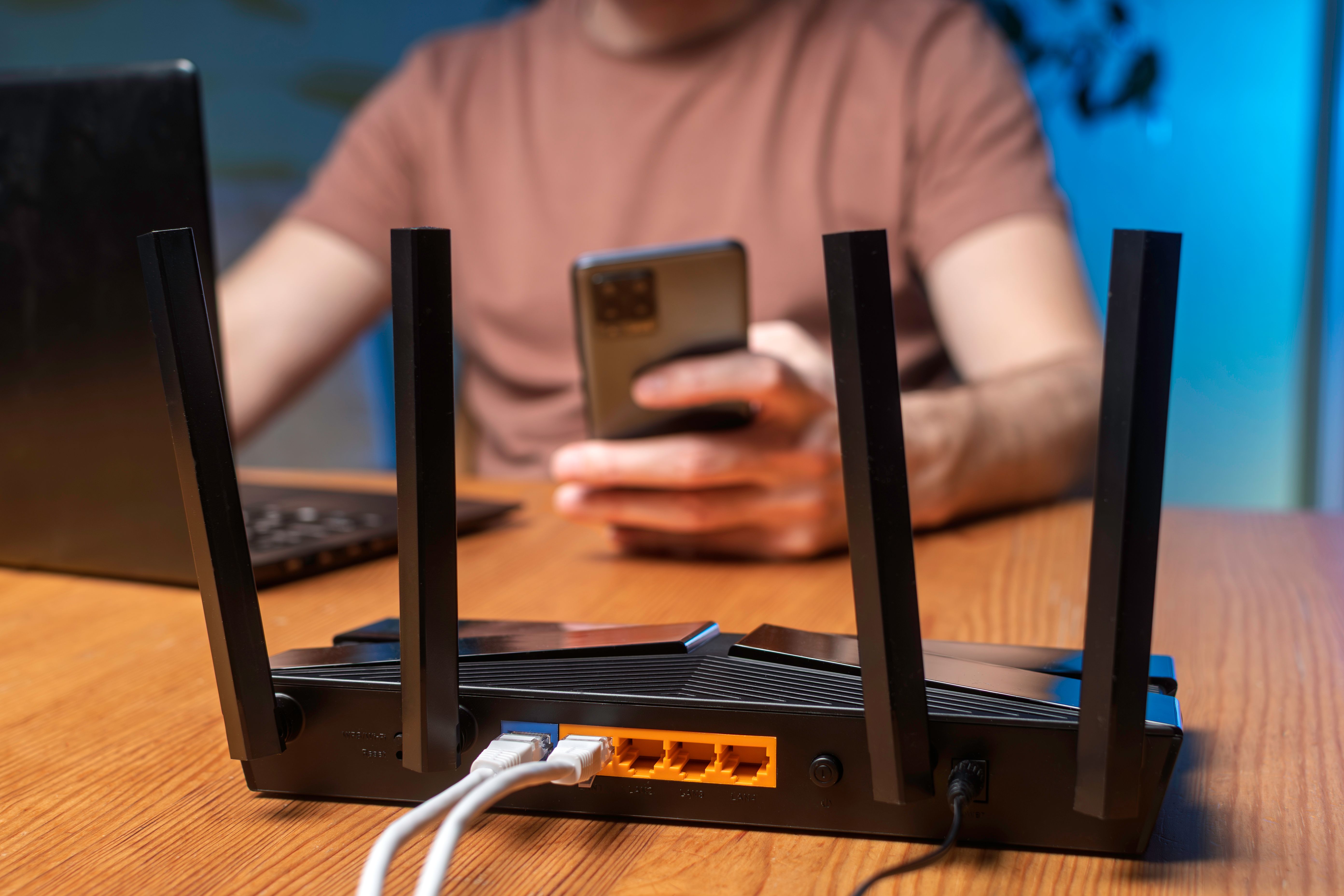
Your home network is the backbone of a successful smart event. A strong and reliable Wi-Fi connection is essential to ensure all devices function correctly. Start by testing your current network speed and consider upgrading your router if necessary. Position your router centrally to maximize coverage throughout your home.
For events requiring high bandwidth, such as live streaming, you might want to connect key devices directly to your router via Ethernet cables. This can reduce lag and ensure a stable connection.
Setting Up Smart Lighting
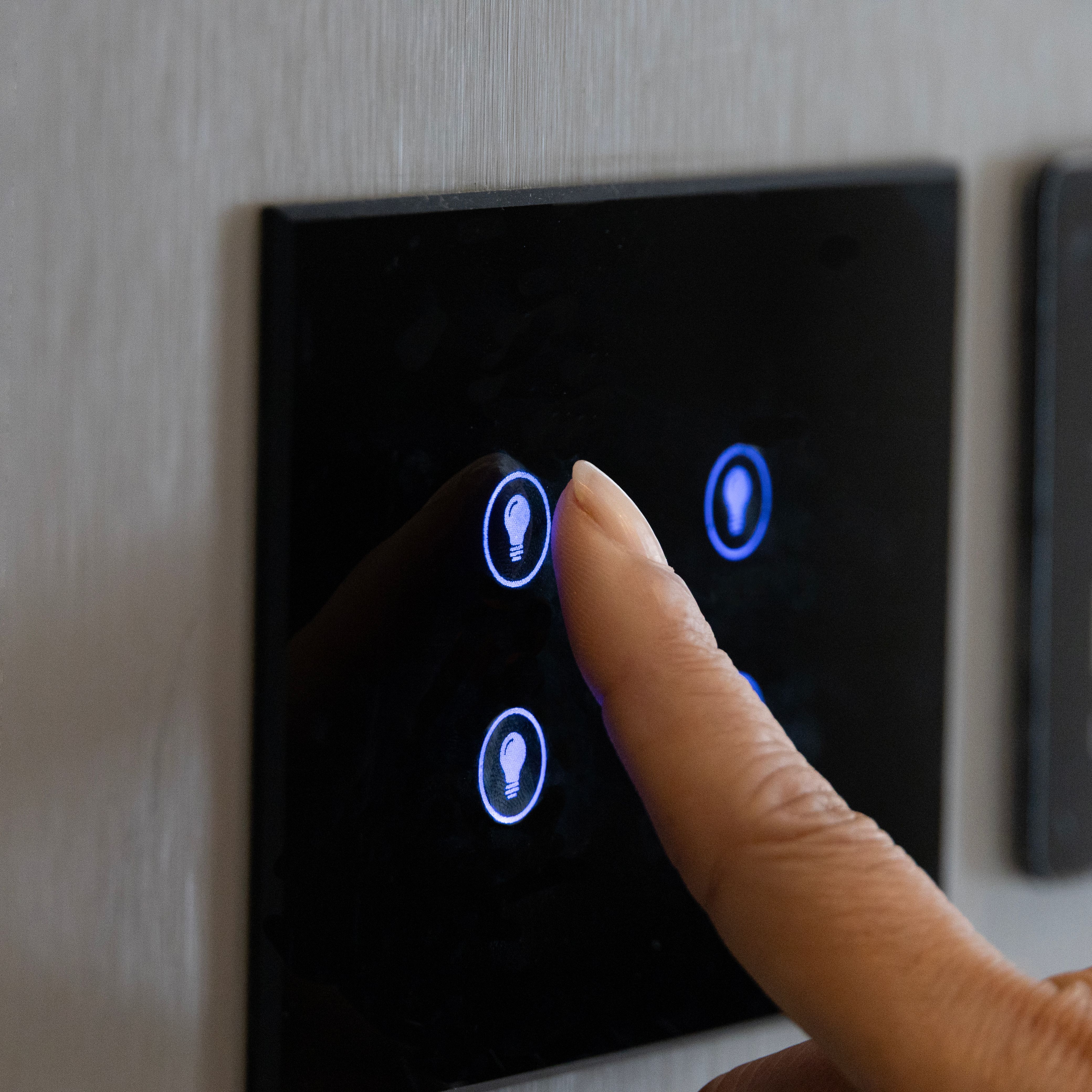
Lighting can dramatically alter the mood of your event. Smart lighting systems allow you to adjust brightness and color to suit different parts of your event. Consider using dimmable bulbs or smart LED strips to create an inviting ambiance.
Program your lights to change at specific times or in response to certain triggers. For example, you might want them to dim when a presentation begins or change colors to signal the start of a new activity.
Integrating Audio and Visual Equipment
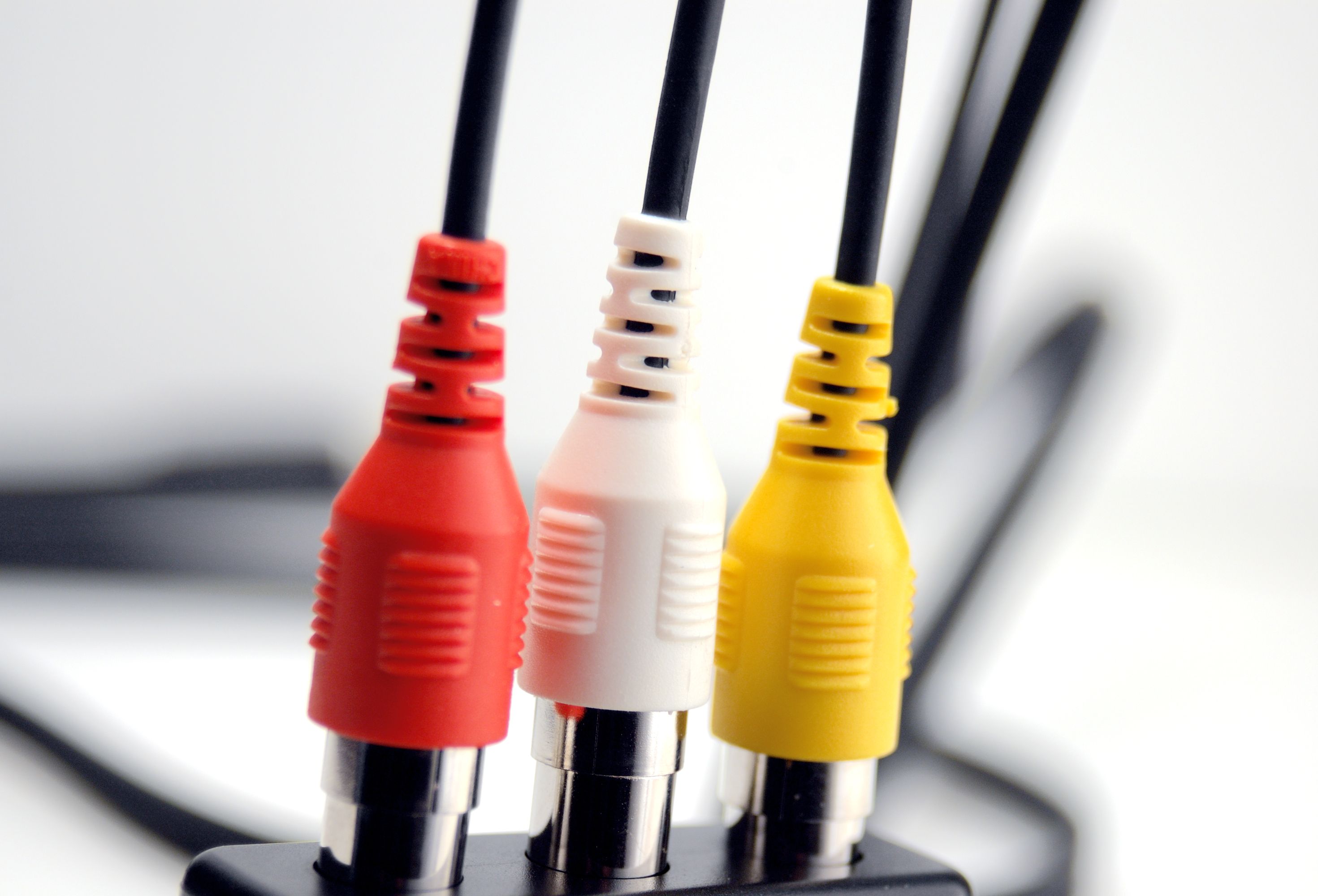
A high-quality audio-visual setup can elevate your event. Smart speakers and sound systems offer crisp, clear audio, while smart TVs or projectors provide vivid visuals. Ensure all devices are connected and tested before the event to avoid any last-minute issues.
If your event includes presentations or video content, consider using a smart assistant to control playback. This hands-free approach allows you to focus on engaging with your guests without needing to manage technical details.
Ensuring Device Compatibility
Before the event, verify that all devices are compatible with each other and your home network. Use a central hub or app to control multiple devices from one interface. This simplifies management and ensures everything works in harmony.
Update all software and firmware to the latest versions to prevent compatibility issues. Regular updates often include security patches and new features that can enhance your event setup.
Testing and Troubleshooting
Conduct a full test run of your smart event setup a few days before the event. Check each device for functionality and troubleshoot any issues that arise. This proactive approach allows you to address problems before guests arrive.
Have a backup plan in place for critical devices. For example, if your smart lighting fails, keep some traditional lamps on hand to ensure your event can continue smoothly.
Security Considerations
Security is a key aspect of any smart event setup. Ensure your network is password-protected and use encrypted connections where possible. Regularly update passwords and avoid using default credentials to protect against unauthorized access.
Consider setting up a guest network for your event. This keeps your main network secure while providing internet access to your guests.
Final Touches
With your setup in place, focus on the final touches that will make your event memorable. Create a playlist, set up interactive features, and familiarize yourself with all controls. These small details will enhance the overall experience for your guests.
Remember, the goal of a smart event setup is to create an engaging and enjoyable environment. By following these steps, you can ensure your event runs smoothly and impresses all attendees.